How to Increase OnlyFans Revenue From the Fans You Have
How to increase OnlyFans revenue on a page you already run: retention, PPV, pricing, tips, premium offers and win-backs, in the order to work on them.
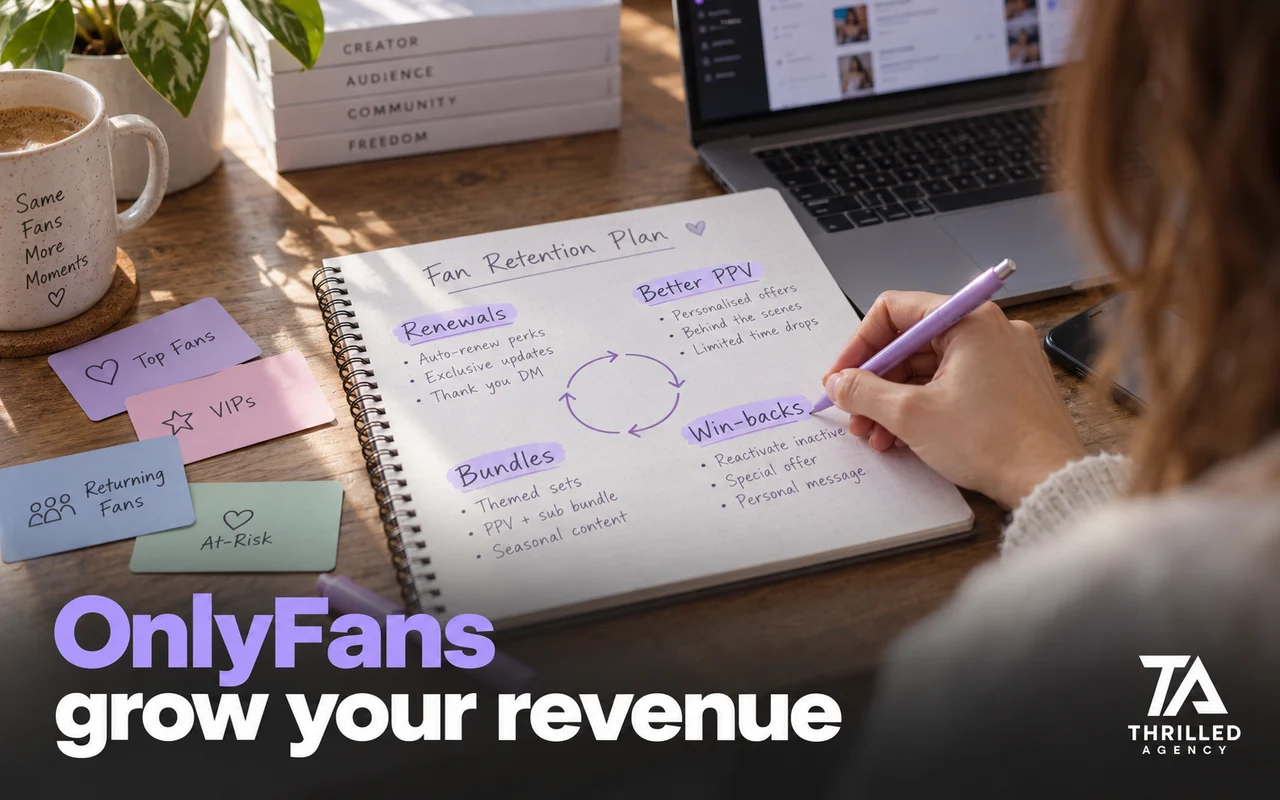
Direct answer: the fastest way to increase OnlyFans revenue on an existing page is to earn more from the fans you already have before paying for more traffic. Revenue comes from four sources: subscriptions, PPVs, tips and customs. Most creators are maximizing one and leaving the other three on the table. Fix retention first, then PPV, pricing and tips, then win back fans who left, and only then add traffic.
This guide is for creators with a running page. If you are starting from zero, read how to make money on OnlyFans first; everything below assumes you already have subscribers, content and some traffic. These are the levers we look at on an existing account, in the order we usually work through them.
Start with the numbers you already have
Before changing anything, write down a baseline from your Statistics page, your statements and your inbox. Five numbers are enough:
- Renewal rate: the share of subscribers who renew each month. Subscriptions on OnlyFans renew automatically unless the fan cancels, so this number tells you how many fans actively choose to leave.
- Revenue per fan: monthly earnings divided by active subscribers.
- PPV purchase rate: of the fans who received a PPV, how many bought it.
- Revenue by stream: subscriptions, messages, tips and customs, each as a share of the month.
- Your top spenders: which fans account for most of your revenue, and when each of them last bought.
OnlyFans' terms also set its fee at 20% of every fan payment, so every number here is worth 80 cents on the dollar to you, and every change should be judged on what it adds after that. A worked example: say a page has 400 active subscribers and earns $4,000 in a month. Revenue per fan is $10, and after the 20% fee the creator receives $3,200. Lifting revenue per fan to $12 on the same 400 fans adds $800 a month before the fee, with no new traffic at all. Measure for a month before and after each change. Two weeks of your own data beats any chart, but a monthly subscription needs a full cycle before renewals move.
1. Fix retention before adding traffic
Your renewal rate is the most important number in the business. If fans leave after one month, every new subscriber you acquire is flowing through a leaky bucket, and more traffic only makes the leak bigger. The cheapest new subscriber is the one who does not leave.
- The first days. On the accounts we manage, how a new subscriber is treated in the first 72 hours sets the tone for whether they renew: a welcome that feels like a moment rather than a pitch, a small low-priced offer once they have replied, and a callback to something they said.
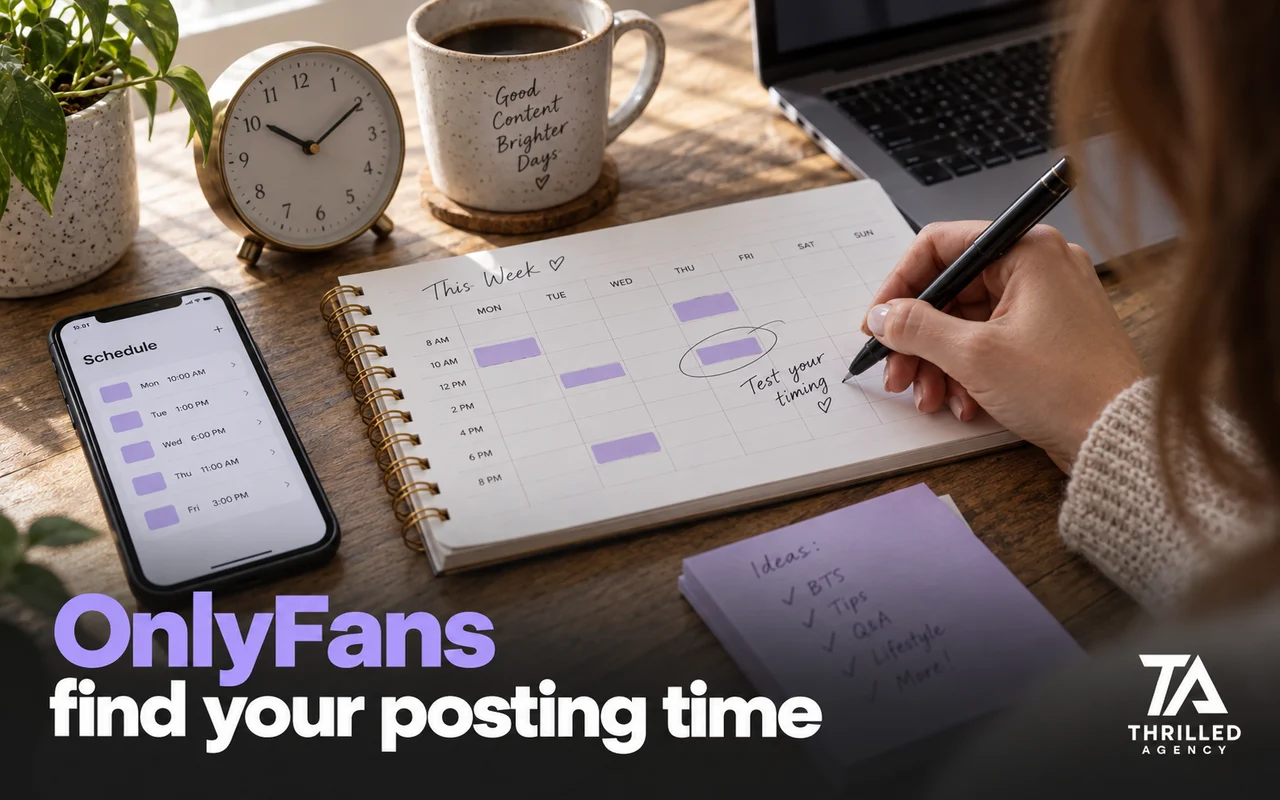
- Consistent posting. Gaps in the feed give fans a reason to let the renewal lapse. A calendar planned 2–4 weeks ahead stops them happening by accident.
- Re-engagement. Fans who have stopped opening messages get a check-in with no offer attached.
- Loyalty. Recognize fans who have stayed for months: a thank-you, first access to a new set, a small bonus.
2. Send fewer, better PPVs
Most creators send PPVs too often and price them too low. The fix is fewer sends, better targeted and better positioned: the right piece to the right group of fans, at a price that matches how engaged they are. Never send a PPV without context. A message that explains what the content is and why it's worth the price will outperform a blank price tag.
- Segment before you send. New subscribers, active buyers, top spenders and quiet fans should not get the same offer. OnlyFans' own features guide describes lists for exactly this: organizing fans and targeting specific groups with messages and promotions.
- Describe it honestly. OnlyFans' terms require content to be as the creator describes it, and a fan who feels misled is a dispute waiting to happen.
- Test one change at a time. Price, copy or timing, measured over a full month, so you know which one worked.
The chat side of this, from the first message to the offer, is in how better OnlyFans chatting raises revenue per fan.
3. Review your subscription price and bundles
Your subscription price sets the floor and shapes who arrives. A low price brings volume and needs constant new traffic; a higher price brings fewer, better fans and makes every retained subscriber more valuable. On an existing page, change it carefully and judge it over at least one full billing cycle, looking at new subscribers, renewals and revenue per fan together.
Bundles (three or six months at a discount) and limited-time offers lift lifetime value without lowering your standard price. Use them for specific moments, like a new series or a returning fan, rather than running a sale every week. Our OnlyFans pricing guide covers how to choose and test the numbers.
4. Build a tip menu fans actually use
Tips follow attention. Fans tip when they feel seen, when there is a clear menu of things to tip for, and when the conversation gives them a reason. A structured menu with specific items and a clear value for each turns a vague "tip if you like" into priced options.
- Keep it short enough to read at a glance, with a few low-priced options to start the habit and one or two premium items.
- Pin it to your profile and use it in chat, not only on the feed.
- Refresh it regularly; a menu that never changes stops getting read.
- Thank fans for their tips. Recognition keeps fans in the tipping habit.
5. Add one premium offer
Most pages benefit from at least one offer priced well above the usual PPV that a small group of fans will buy: a short custom video, a monthly custom-content package agreed in advance, or a personalized bundle of sets. Price it so that even one sale a week is worth the time it takes, and set clear boundaries on what's included. Take payment before you start, and keep the agreement in the chat.
Your top spenders are the natural buyers. Give them a clear way to spend more on something they actually want, rather than more of the same mass messages everyone else gets.
6. Win back fans who left
Former subscribers already know your page, which makes them easier to bring back than a stranger is to win. Give them a reason to return: what's new since they left, a set they missed, or a limited-time offer for returning fans. Keep it to one or two messages; chasing reads as pressure, and pressure is the wrong note for a fan deciding whether to trust your page again.
Then look at why they left. If most cancellations cluster in the first month, the problem is the welcome. If they come after a quiet posting stretch, it's the calendar. Win-backs recover revenue; the reason behind the cancellations tells you what to fix so you need fewer of them.
7. Only then, send more traffic
Once retention and monetization are working, more traffic finally pays off, because each new fan is worth more. Check which sources produce buyers rather than visitors: OnlyFans tracking links show how many visitors from each link become subscribers, and your chats show which of them go on to buy. Count paying fans rather than views, and cut the sources that don't convert. If you send traffic to a paid page and conversion is low, a free page with a DM-based upsell to the paid page can work as a funnel; judge it by how many free subscribers buy something in their first days.
What doesn't increase OnlyFans revenue
- Buying followers or subscribers. It produces numbers, not money, and workarounds get accounts banned.
- Discounting everything. Constant sales teach fans to wait for the next one.
- Mass-sending more PPVs. More sends to everyone usually means fewer opens per send.
- Pressure selling. Fans pushed into purchases they regret dispute them, and in the US, cardholders can dispute charges for things not delivered as agreed. A disputed sale is money you already counted, taken back.
- Changing five things at once. You won't know which one worked.
The ceiling on your revenue is almost never your subscriber count. It's the depth of your monetization stack.
When an agency makes sense for this
Everything above can be done by one person on a small page. It stops being realistic when the inbox, the calendar and the promotion all need daily attention at once. That is usually where a trained chat team helps first, because PPV, tips and retention all run through the DMs. If your page is small and you have the time, do it yourself; our free audit will tell you honestly which side of that line you are on. Apply for a free audit.
Frequently asked questions
How can I increase my OnlyFans revenue quickly?
Start with the leaks that already cost you money: unanswered DMs, fans who leave after one month, and PPVs sent without context. Fixing those usually shows up faster than new traffic, because the fans are already on your page.
What is a good renewal rate on OnlyFans?
There is no honest universal number; it depends on price, niche and how the page is run. Measure your own rate every month and judge each change against it. A rising rate means the page is keeping the fans it worked to get.
How many PPVs should I send a month?
Fewer than most creators do. Send a PPV when you have something worth opening and a reason to send it now, targeted by segment. Then watch the purchase rate: if it drops as you send more, you are sending too many.
Do free OnlyFans pages make more money?
It depends on what happens after the subscribe. A free page brings volume but earns only through messages, tips and upsells, so it works as a funnel when the DMs are run well and struggles when they aren't.
Should I raise my OnlyFans subscription price?
Only if your content and retention justify it. Change one thing, measure a full month of new subscribers and renewals, and roll it back if revenue per fan falls.
How much does OnlyFans take from my revenue?
20% of every fan payment, tips included, so you keep 80%. The fee is the one number on the platform you cannot change, which is why everything in this guide focuses on the numbers you can.
The team managing live OnlyFans accounts at Thrilled Agency — chatters, strategists, and marketers writing about the work they do daily. Our editorial standards →
Let our team handle the business of you.
Creator-focused management. We don't take more clients than we can give white-glove attention.