OnlyFans Pricing Guide: Subscriptions, PPV, Tips and Bundles
OnlyFans pricing for subscriptions, PPV, tips and bundles: what PPV means, how to make a PPV post, where to set each price and when to change it.
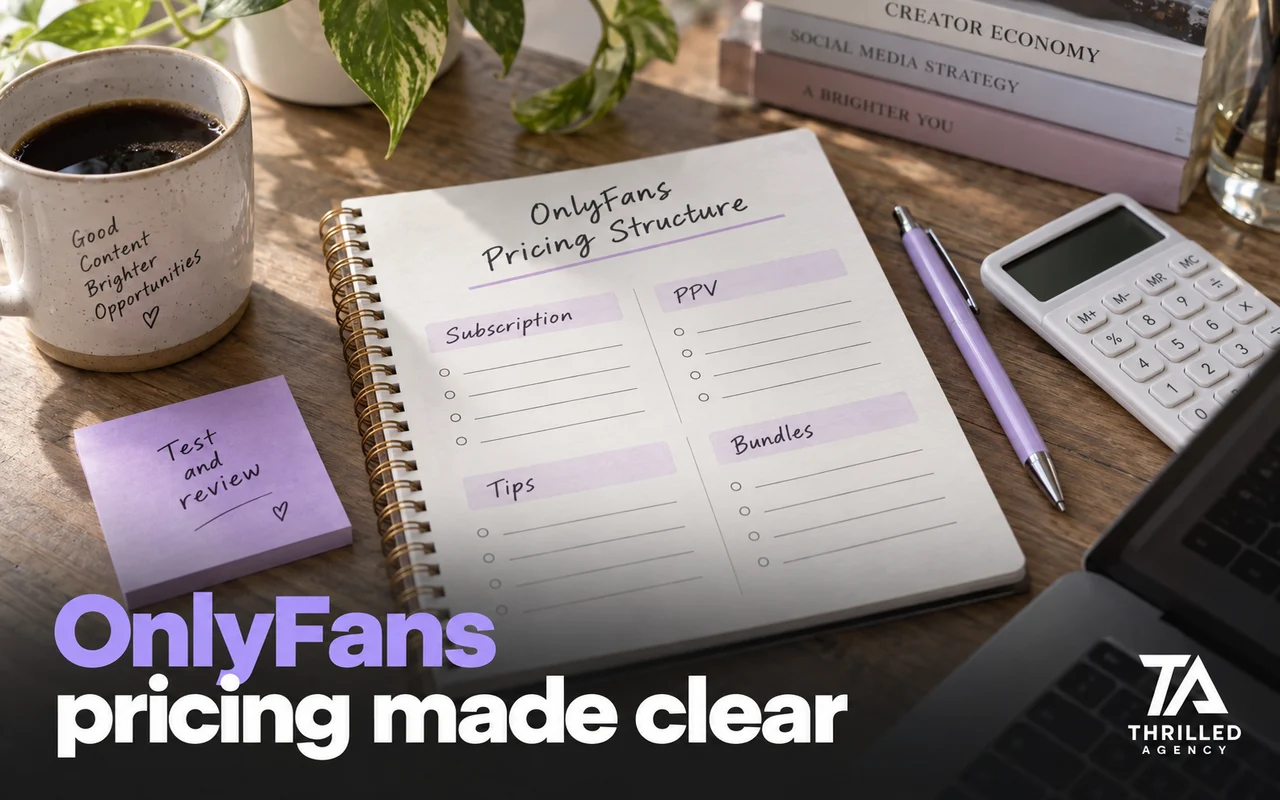
Direct answer: OnlyFans pricing works in layers: a subscription price between $4.99 and $50 a month (or a free page), pay-per-view (PPV) messages and posts priced one by one, tips, customs and multi-month bundles. The subscription decides who arrives; PPV and tips decide what an engaged fan is worth. Price each layer relative to the others, test changes on new fans first, and remember that OnlyFans keeps 20% of every payment.
Most creators set a price once and never revisit it. This guide goes through each layer, what PPV actually means on OnlyFans, how to send one, and how to change prices without losing the fans you already have.
OnlyFans pricing starts with the subscription
OnlyFans lets you set a subscription price between $4.99 and $50 a month, or run a free page and earn from individual pieces of content instead. Your subscription price is not just a revenue number. It is a filter and a signal. A price at the bottom of the range attracts volume but little commitment. A higher price attracts fewer fans, but ones who have already decided they want what you offer.
Where to set it
- New creator, no existing audience: stay toward the lower end so the decision to join is easy, and raise revenue per fan through messages.
- Engaged audience, consistent content: a mid-range price. Test a modest increase on new subscribers before assuming it will cost you sign-ups.
- Strong brand and proven retention: the upper end, and only when your content and chat genuinely justify the premium.
Free vs. paid pages
A free page removes the barrier to joining, so it collects more subscribers, but many of them never spend. It earns only through what it sells: PPV, tips and customs. Run it as an acquisition funnel, with an intentional path to a first purchase built into the DM sequence. If free subscribers aren't buying within their first days on the page, the volume isn't helping you.
What PPV means on OnlyFans
PPV stands for pay-per-view: content a fan pays for one piece at a time, on top of a subscription or instead of one. OnlyFans' terms draw the line clearly, since a subscription excludes individually priced content. The fan sees your description and the price, and is charged when they agree to open it. According to OnlyFans' own guide to its creator features, every creator can send PPV messages to one fan or to all fans, and free pages can also put a price on individual posts and livestreams.
OnlyFans keeps 20% of every PPV purchase, the same as every other payment. The math for pricing around that fee is in how much OnlyFans takes.
How to make a PPV post on OnlyFans
- Pick the format: a message to one fan, a mass message to all fans or a list, or, on a free page, a priced post on your feed.
- Start a new message or post and attach the media from your vault or a new upload.
- Add a price. Paid messages start at $3 and go up to $200.
- Write the description. Say plainly what's inside, how many photos or how long the video is. It's what the fan decides on, so make it honest.
- Choose who gets it. Include or exclude fan lists so recent buyers, new subscribers and non-buyers each get the right offer.
- Send it, then follow up personally. Fans who open but don't buy get a conversation, not the same offer again.
PPV pricing: price against the subscription
On accounts that earn well, PPV is where most of the revenue lives. The subscription is the door. PPV is the room.
- Set PPV prices relative to your subscription rate, not to some absolute standard. A $14 PPV on a $9.99 sub feels like paying for the page again. A $14 PPV on a $24.99 sub feels like a deal.
- Build a price ladder. A lower-priced first PPV turns a new subscriber into a buyer; higher-priced sets go to fans who have already bought.
- Keep each offer easy to judge: one price and an honest description, so a fan can decide quickly.
- Send fewer, better offers. A daily blast teaches fans to ignore your messages; a well-described set sent to the right list gets opened.
How to price a PPV sequence
When you send PPVs as a sequence, each drop building on the one before, price every step higher than the last and use irregular, non-round numbers. An example ladder: $14, $26, $58, $92, $178. It is an example, not a rule, and not a figure for what any fan or page will spend.
The logic is matching price to what each drop offers. A later drop that goes further than the one before should cost more, and a fan who bought the earlier step has already shown they value what you send. Irregular prices read as set for that specific piece, while a flat run of round numbers, $10, $20, $30, reads like a price list and makes every offer look interchangeable. Each step still has to deliver more, not just cost more, and its description has to say exactly what is inside.
Paid messages go up to $200, so the whole ladder fits in single messages.
Tip menus: structure the ask
A tip menu removes the awkwardness of asking for money by making the transaction feel like a service menu. List specific things fans can tip for, such as a name mention, a voice note or a custom photo, and the purchase feels like a fair trade, not a request. Keep it short enough to read on one screen, with a couple of low-cost options and one high-ticket item, and refresh it regularly so it gets re-read.
Two platform limits shape the menu: the tip button switches on once you're actively posting, and a single tip is capped lower for new fan accounts than for established ones, so sell your top item as a custom rather than one large tip. To net a set amount, divide it by 0.8: netting $40 means charging $50.
Customs: price the time, not just the file
Custom content should be priced well above a standard PPV, because it is a shoot made for one fan. Agree the scope in the chat before anything is made, take payment before filming, and deliver exactly what was agreed. Never call content custom if it isn't. A custom that doesn't match the request is the easiest purchase to dispute; the prevention side is in OnlyFans chargebacks and refunds.
Bundles and promotions
Bundles let a fan buy two or more months at once, up to a maximum bundle price of $250. Price them below the equivalent monthly rate, enough to matter but not so much that the monthly price looks inflated. A fan who commits to six months is revenue you don't have to win back every 30 days.
Promotion campaigns apply to a limited number of new or expired subscribers for a limited time, as a free trial or a discount of up to 90%. Use them to win back lapsed fans or to test a new traffic source. If fans learn to wait for the next one, the discount has become your real price.
How to test and revisit your prices
Change one layer at a time, test on new subscribers first through a promotion or a new tracking link, and give each test long enough to include a renewal cycle. Judge it on revenue per fan and renewals, not the number of sales; a lower price that sells more but earns less per fan is a loss.
Review pricing every two to three months. If renewals are strong and fans buy most of what you send, there may be room to raise the subscription. If few fans buy PPV at all, fix the messages and the offer before touching the price. Raising the price has one catch: OnlyFans' terms of service say a subscription does not auto-renew when the subscription price has increased, so existing fans have to choose to subscribe again. Announce an increase ahead of time, and consider offering a bundle at the current price before it changes.
Price for the fan you want to keep. Fewer PPVs, priced with intent and described honestly, beat a daily blast that fans learn to ignore.
How pricing works under management
In management, pricing and chatting are one job: the same PPV sells differently depending on who it goes to and when. On the accounts we manage, prices are reviewed against weekly numbers rather than guesswork, as part of the wider plan behind how to make money on OnlyFans. It only makes sense to hand this over once you have steady traffic; if you don't yet, traffic is the problem to solve first. Apply for a free audit and we'll tell you which price, if any, is holding the page back.
Frequently asked questions
What does PPV mean on OnlyFans?
Pay-per-view: content a fan pays for one piece at a time, sent as a paid message or, on free pages, as a paid post or stream. It sits outside the subscription, and OnlyFans keeps 20% of each purchase.
How much should I charge for my OnlyFans subscription?
OnlyFans allows $4.99 to $50 a month, or a free page. Without an audience, stay toward the lower end so joining is an easy decision, and raise the price once renewals show fans value the page.
How much can you charge for a PPV on OnlyFans?
A paid message can be priced from $3 up to $200. Within that range, price relative to your subscription and to how much the fan has already bought.
How do you make a PPV post on OnlyFans?
Start a new message (or a post, on a free page), attach the media, add a price, write an honest description and choose who receives it. Mass messages can include or exclude fan lists.
Can I change my OnlyFans price later?
Yes, at any time. Raising it means existing subscriptions stop auto-renewing under OnlyFans' terms, so fans have to subscribe again at the new price; announce it first.
The team managing live OnlyFans accounts at Thrilled Agency — chatters, strategists, and marketers writing about the work they do daily. Our editorial standards →
Let our team handle the business of you.
Creator-focused management. We don't take more clients than we can give white-glove attention.