How to Start OnlyFans in 2026: A Step-by-Step Launch Plan
How to start OnlyFans the right way: niche and boundaries, pricing, a starter content bank, a chatting plan, and day-one promotion that brings paying fans.
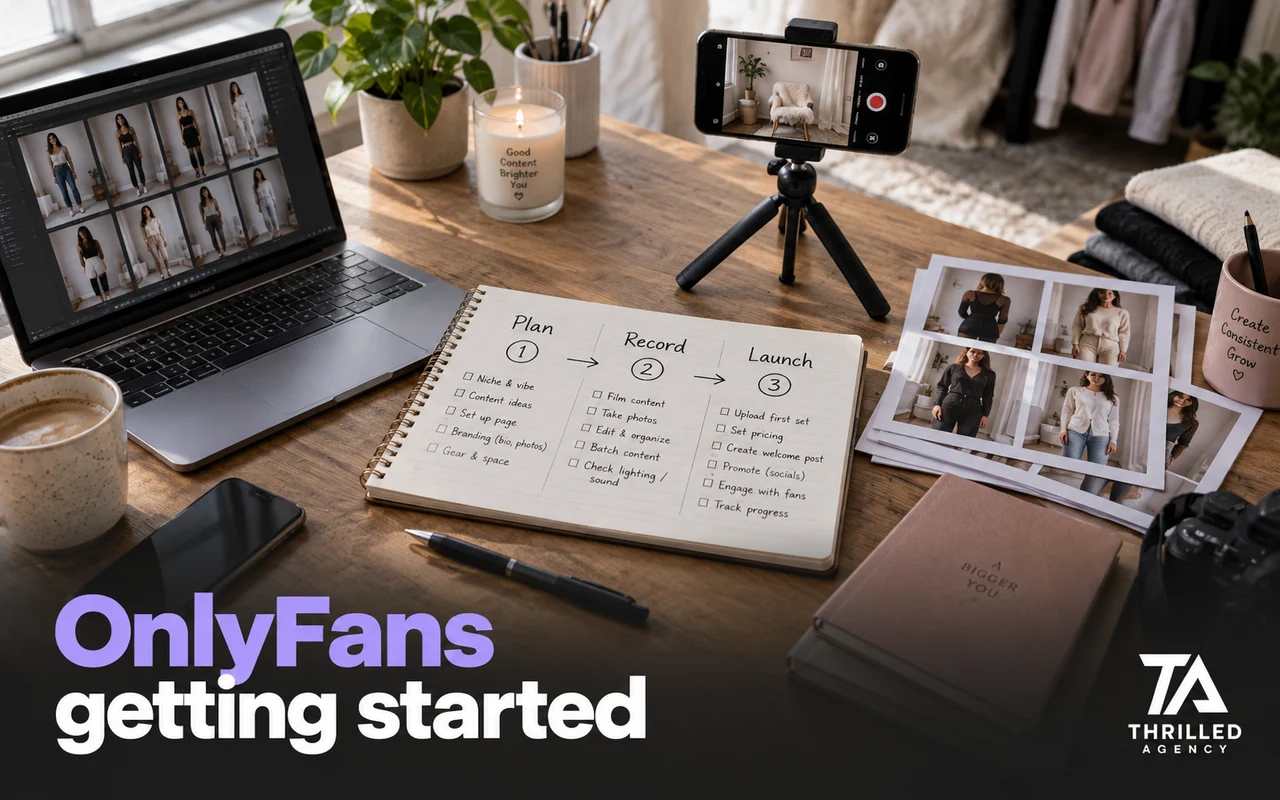
Direct answer: how to start OnlyFans in 2026 comes down to six steps done in order: pick a niche and boundaries you can keep for a year, open and verify the account, choose a free or paid page and price it, build a bank of 20–30 pieces of content before launch, write a welcome message and a plan for replying to DMs, and start promotion on day one. OnlyFans sends almost no traffic of its own, so a page that launches without promotion and a chatting plan stalls, however good the content is.
Most creators get the setup right and the launch wrong. They open the account, post three photos, and wait. Below is the order we set pages up in when we onboard a creator, and the few decisions that matter far more than the rest.
Before you start: what an OnlyFans page actually takes
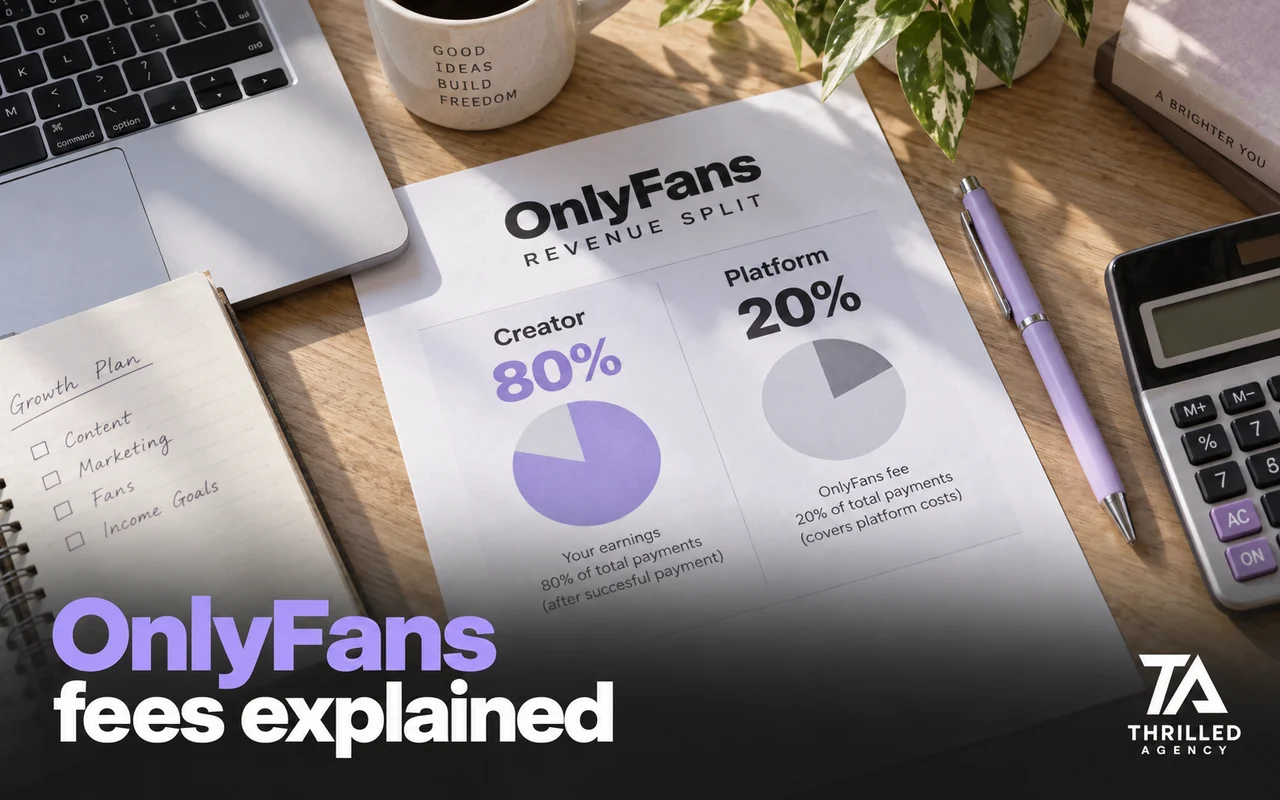
OnlyFans gives you a storefront and a payment system. It does not give you an audience. Fans subscribe, pay for individual messages and posts, and tip, and the platform keeps 20% of every payment. Finding those fans, keeping them and answering them is your job from the first day, so a new page needs three things running at once:
- A traffic source. Somewhere outside OnlyFans where the right people see you every day.
- A content routine. Enough posts that a new subscriber lands on an active page, plus sets you can sell in messages.
- Time for messages. Fans expect replies, and those conversations are where pay-per-view content and tips get sold.
Equipment matters less than most creators think: a recent phone, good light and a tripod cover the first months, and a clear, recognizable style beats production value.
1. Decide your niche and boundaries first
Before you post anything, write down two things: who your page is for, and what you will and won't do. A page that tries to be everything to everyone converts worse than one with a clear angle: a specific look, personality or theme that a particular audience is already looking for. A useful test is to describe the page in one sentence a stranger would understand and name one place online where its audience already spends time. If you can't do both, the niche is too vague to promote.
Your boundaries matter just as much. Write them as a short list: what goes on the feed, what you sell in messages, what you'll do as a custom, and what you won't do at any price. The fastest way to burn out is being talked into content you regret. Decide your privacy line at the same time: whether you show your face, the stage name you'll use everywhere, and a separate email and phone number for the account. You can always expand later; you cannot un-post.
2. Open and verify the account (the short version)
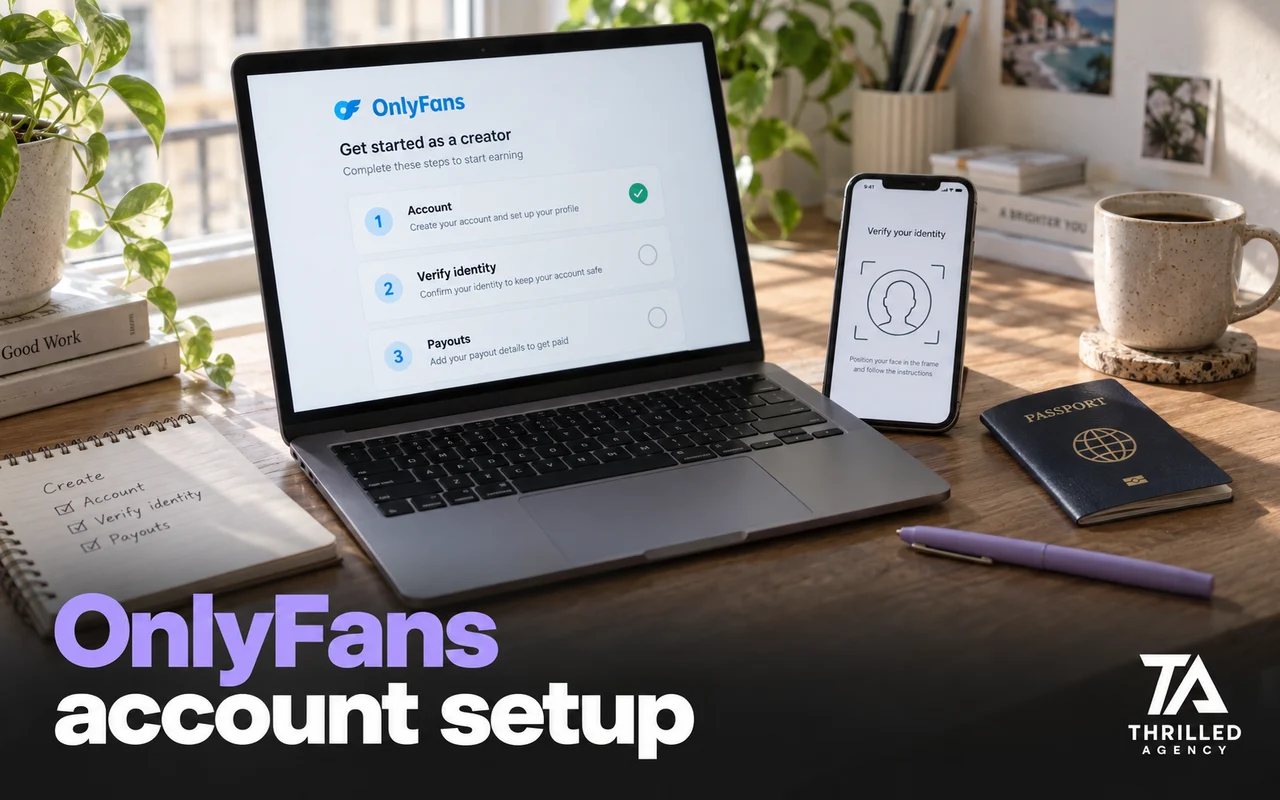
Sign-up is the quick part. Under OnlyFans' terms of service, a creator account needs you to be at least 18, upload a valid ID and two photos of yourself, add bank or payout details, and set a monthly subscription price if the page is paid. The screen-by-screen walkthrough, including ID checks and payout setup, is in our guide to how to make an OnlyFans account.
What deserves your time is the profile, because it is the last thing a visitor sees before deciding to pay. Treat it as a landing page, not a formality:
- Display name and username that match the stage name you use everywhere else, so a fan who finds you once can find you again.
- A bio that says in one or two lines who you are, what a subscriber gets and how often you post.
- A profile photo, banner and pinned post that fit the niche from step one and show the kind of content the page is built on.
Turn on watermarking in your privacy settings before the first upload. OnlyFans can stamp your profile URL on photos and videos, which helps when content leaks and tells anyone who sees a reposted image where to subscribe.
3. Choose free or paid, and price it
Two setups work. A paid page charges a monthly subscription and keeps the audience smaller and warmer. A free page charges nothing to join and earns from pay-per-view messages and tips, which suits creators with strong social reach who can bring volume. Neither is "better"; they fit different traffic.
On a paid page, a limited-time free trial or first-month discount lowers the barrier for the visitor who isn't sure yet. OnlyFans lets you run either as a promotion campaign with an expiry date and a cap on how many fans can claim it. Give whichever model you pick a month of real traffic before judging it. Our full breakdown of subscription, PPV and tip prices is in the OnlyFans pricing guide.
4. Build a content bank before you launch
Don't open the doors empty. Have 20–30 pieces ready, a mix of feed posts for the first two weeks and a few sets to sell in messages, so a new subscriber lands on a page that already looks active. Launching with three posts tells a fan there is nothing to stay for.
Plan the bank in three piles: feed posts that show what the subscription includes, message sets that go a step further and are sold as pay-per-view, and a few short, casual pieces for stories that make the page feel lived-in. Queue the feed posts on a schedule so the page keeps moving on days you can't shoot, and set a weekly shoot day so the bank refills faster than you spend it.
5. Plan the chatting before the first fan arrives
Most of the money on OnlyFans is made in the DMs, not the feed. Set an automatic welcome message so every new subscriber hears from you the moment they join; OnlyFans' own guide to its creator features shows where it lives in your settings, along with fan lists and mass messages. Then decide how quickly you'll reply and how you'll sell without being pushy.
Three rules worth setting before launch:
- The welcome opens a conversation. Ask something, react to the answer, and let the fan feel noticed before anything is for sale.
- No offer in a new subscriber's first three messages. Selling too early is the quickest way to make a new fan feel like a number.
- Every PPV description says honestly what's inside. Overselling a message wins one purchase and costs the fan's trust, sometimes as a chargeback.
Sort fans into lists as they arrive (new subscribers, buyers, regular spenders) so later messages go to the right people instead of everyone. This is the single most-dropped step, and the one that decides whether a fan renews. If you can't answer messages within a few hours, every day, you already have the strongest reason to consider a dedicated chat team.
6. Drive traffic from day one
OnlyFans has almost no internal discovery. Every subscriber has to be brought in from somewhere else, which means promotion isn't step ten, it's step one. Reddit converts best for most new creators, X builds a warm following that sees you post every day, and TikTok or Instagram work as top-of-funnel into a link hub. Start on one or two of these the same week you launch, not after you "have enough content." The full ranking is in the traffic sources that actually bring paying fans.
Put every link behind one landing page and give each place you promote its own tracking link, so you can see which source sends subscribers. Follow each platform's rules, too: OnlyFans' own advice on promoting your profile warns that spamming it on social platforms or forums gets accounts muted, blocked or banned.
How to start OnlyFans without followers
Most creators start with no audience, and that's workable. Followers are not a requirement; they are an output. With zero followers, go where people are already sorted by interest and let the page's niche do the targeting.
- Reddit first. Communities are organized by topic, so a specific niche reaches the right people without an existing following. Warm a new account up for about two weeks in communities where you aren't promoting, then post 1–3 times a day, hours apart, and never the same image across several subreddits in one session.
- Read every community's rules. Many limit links, require verification or ban promotion outright. The accounts that win look like real people first and creators second.
- A first-month offer. A free trial or discount gives a curious visitor a low-risk reason to try the page.
- Collaborations. Once you have a base of paying fans, working with another creator of a similar size puts you in front of people who already pay for pages like yours.
- Count subscribers, not upvotes. A small community that sends paying fans every week beats a huge one that only sends upvotes.
The first 72 hours decide more than you think
How you treat a subscriber in their first three days sets whether they stay for months or cancel before the next billing date. Fans leave in the first 72 hours if nobody talks to them. Fast replies, a real welcome, and something to look forward to matter more in that window than at any other point. We treat it as its own project; here's why the first 72 hours decide everything.
What to expect in your first 90 days
Fans can pay from day one, but the first month is mostly setup: the content bank, the first traffic channel, the welcome and the reply routine. Public estimates put the median OnlyFans account in the low hundreds of dollars a month. We don't promise any income, because nobody honestly can. What moves a page above that is operations, done daily.
Track four numbers every week: new subscribers by source, how many subscribers renew, how many fans open and buy your PPV messages, and how long fans wait for a reply. When a new page stalls, the cause is usually that nobody new is arriving or that fans wait too long for answers, rather than the content itself.
What to avoid when starting out
- Launching empty and hoping the algorithm finds you. It won't.
- Buying subscribers. They don't pay, they skew your numbers, and they get removed.
- Posting the same content across ten subreddits in ten minutes, the fastest way to a shadowban in week one.
- Ignoring DMs. A page with great content and no chatting leaves most of its income on the table.
- Asking fans to pay you outside OnlyFans. The platform doesn't allow it, and it puts the account at risk.
- Using your real name, city or personal social accounts anywhere near the page.
Starting OnlyFans is five decisions made in order in the first week: a niche, a proper setup, a content bank, a chatting plan and traffic. Skip one and the other four work harder for less.
How an agency runs this for you
A management agency handles the parts most creators drop when they're busy: 24/7 chatting, daily promotion, and a content plan built around your niche, while you focus on creating. It only makes sense once you're posting consistently and the admin is the bottleneck rather than the content. If you're brand new and posting rarely, an agency will not fix that, and a good one will tell you so. If you're past that point, apply for a free audit and we'll tell you in writing what your first 30 days should look like, or that you don't need us yet.
Frequently asked questions
How much does it cost to start an OnlyFans?
Very little in cash. OnlyFans keeps 20% of what fans pay you, and the rest is a phone, basic lighting and your time. The real cost is hours: shooting, posting, promoting and replying every day.
Can you start OnlyFans with no followers?
Yes, and most creators do. Reddit and X can send paying fans to a brand-new page if you pick a clear niche, follow each community's rules and post consistently. Build the audience outside OnlyFans, then send it to the page.
Do you need an agency to start OnlyFans?
No. Most creators should launch on their own first and learn what their audience buys. An agency makes sense once you're posting consistently and the admin, rather than the content, is the bottleneck, and a good one will tell you if you're not there yet.
Can you start OnlyFans without showing your face?
Technically, yes, but it rarely stays that way. Verification ties the account to your ID, and leaks, recognizable details and daily promotion make it likely that people you know will find the page eventually. If this is a career, plan for being recognized on your terms; see whether you can do OnlyFans without showing your face.
How long does it take to start making money on OnlyFans?
Fans can pay from the first day, but on the accounts we manage the first meaningful jump usually comes in months two to three, once a traffic source sends subscribers daily and messages are answered quickly. Nobody can honestly promise a timeline or an income.
The team managing live OnlyFans accounts at Thrilled Agency — chatters, strategists, and marketers writing about the work they do daily. Our editorial standards →
Let our team handle the business of you.
Creator-focused management. We don't take more clients than we can give white-glove attention.