OnlyFans Privacy: How to Protect Your Identity and Content
OnlyFans privacy for creators: what the platform does and doesn't protect, the setup that keeps your personal details safe, and what to do when content leaks.
Direct answer: OnlyFans privacy for creators comes down to three layers: prevention (a separate creator identity, clean files and locked-down settings), monitoring (finding leaks and reposts early) and enforcement (DMCA takedowns with the sites and with search engines). It protects your content, your legal name, your address and your safety; it won't stop people who know you from recognizing you. OnlyFans verifies who you are, but its terms leave most of that work outside the platform to you, and the creators who stay safe treat it as a weekly routine.
Leaks are one of the biggest long-term risks to a creator business. They undercut what fans are willing to pay, slow subscription growth, and when they involve your real name or location, they become a safety problem as well as a revenue one. Below is what OnlyFans does and does not do for you, the setup we recommend, and what to do the moment something leaks.
What OnlyFans does and does not protect
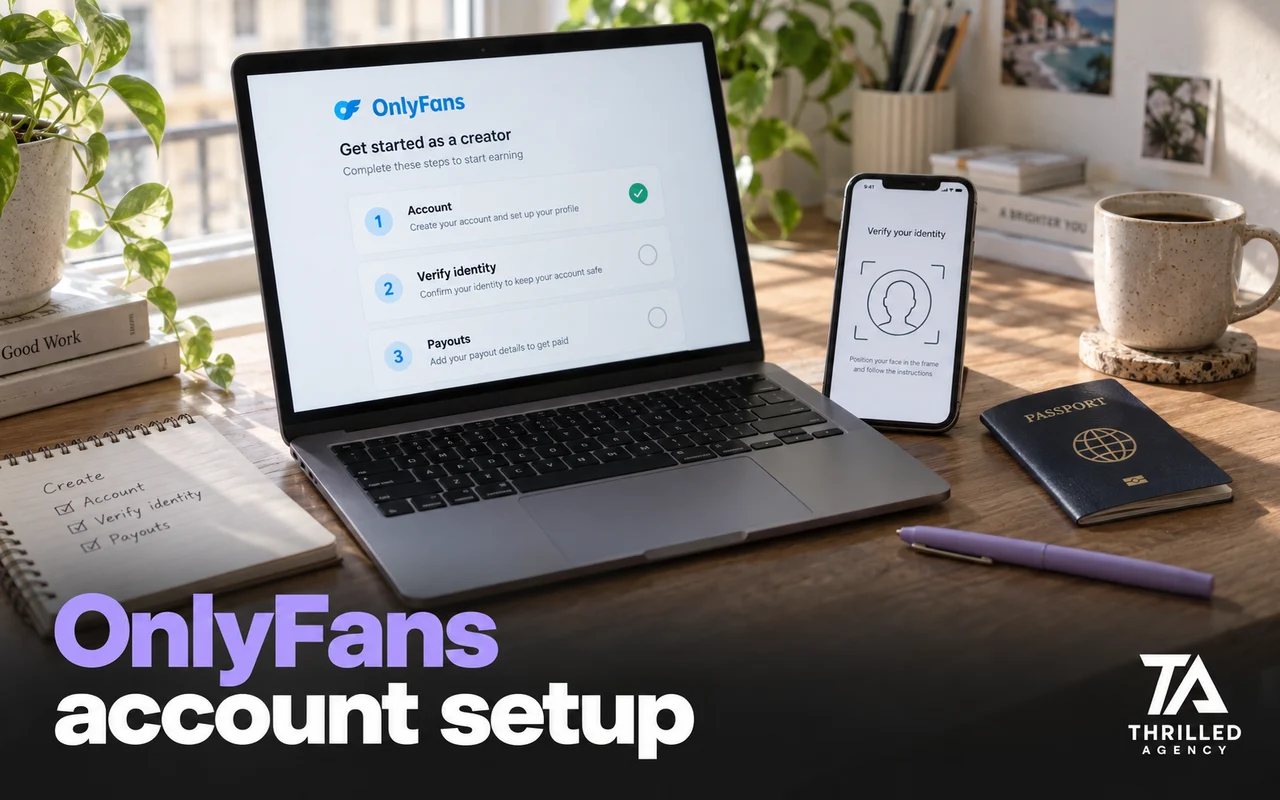
OnlyFans knows exactly who you are. To approve a creator, it collects your legal name, mailing address, date of birth, a government photo ID, a selfie holding that ID and your bank details, as its Creator Center lists. That information is for verification and payouts; fans see the display name and username you choose.
What the platform does not do is police the rest of the internet for you. The OnlyFans Terms of Service say OnlyFans does not own your content and may send infringement notices on your behalf, but is under no obligation to send them or to police infringements. The same terms say OnlyFans is not liable if your content is reposted elsewhere, or if other users or third parties expose your identity. Read that as a division of labor: the platform verifies you and hosts the page; protecting the brand outside it is your job, or your team's.
What the platform does give you is tools. The Creator Center describes automatic watermarking in the Privacy and safety settings, restricting or blocking individual users, and Block by Country, which hides your profile from specific states or entire countries. Use all three from week one.
The OnlyFans privacy stack we recommend
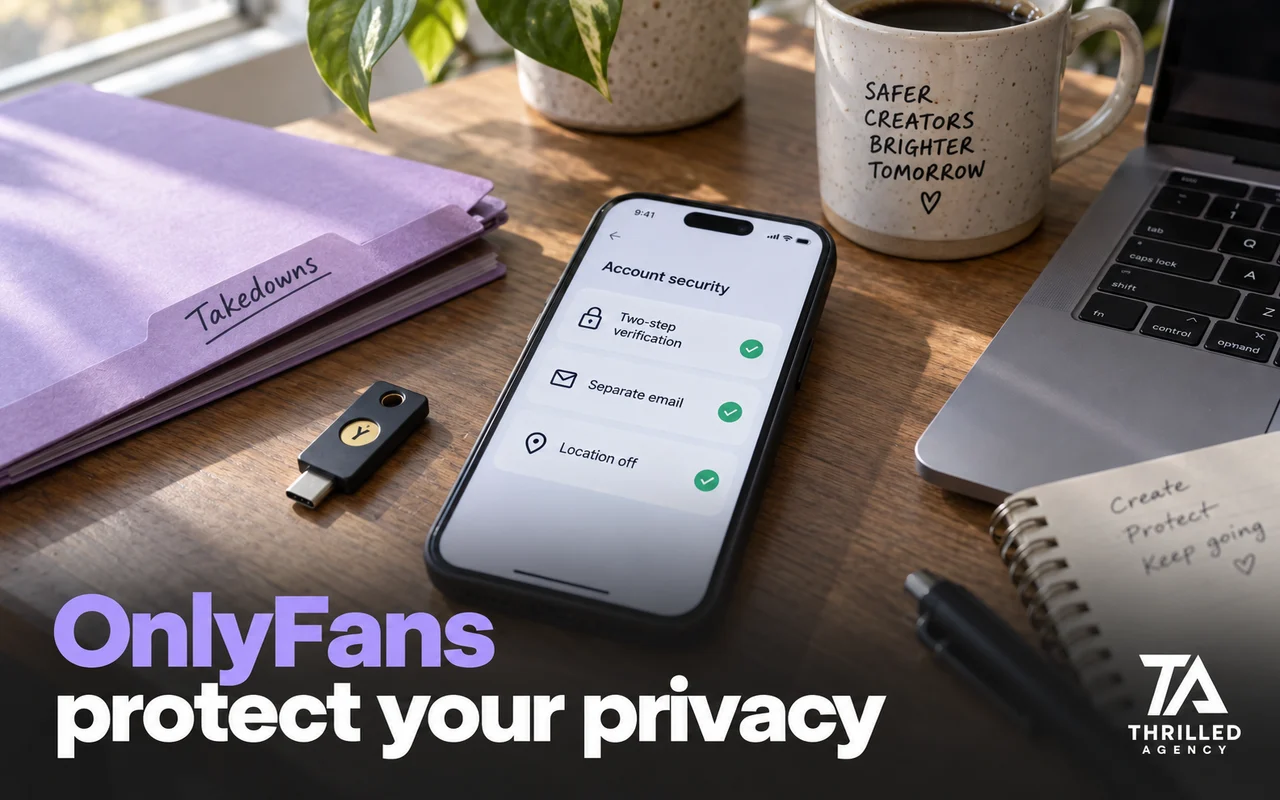
- A separate creator identity. A stage name with its own email, phone number and handles that have never touched your personal accounts. One crossover is all a determined doxxer needs.
- Clean files. Phones can record where every photo and video was taken. Turn location off for the camera, or strip it from every file before upload.
- Clean frames. No street views, window views, mail, documents, diplomas or distinctive tattoos you have not accepted as public.
- Watermarks on everything. They mark the content as yours and point anyone who sees a repost back to your page.
- Leak monitoring. Regular searches of leak sites, forums and file-sharing platforms, plus reverse-image searches, so you find reposts in hours rather than months.
- Locked accounts. Two-step verification on the creator email, the OnlyFans account and every promotion account, with passwords you do not reuse anywhere else.
- Deepfake watch. Treat AI-generated fakes like leaks: detect them, document them and request removal.
Prevention that costs nothing
- Treat Block by Country as a filter, not a hiding place. It keeps your profile from loading in the regions you choose, but it can't stop screenshots and reposts from reaching them.
- Scrub metadata as part of your export routine, every time.
- Check every frame for identifying backgrounds before you post, including reflections.
- Separate emails and handles for creator life and real life.
- Don't cross-follow. Promotion accounts should not follow or message people from your personal life or sync your contacts, so your personal profiles, and the details in them, stay out of strangers' reach.
- Keep personal details out of DMs. Your city, your job, your schedule: someone who wants to find you can collect small details over months. OnlyFans also removes content that shares information compromising your safety, such as a physical address, and prohibits in-person meetups between creators and fans.
A weekly privacy routine
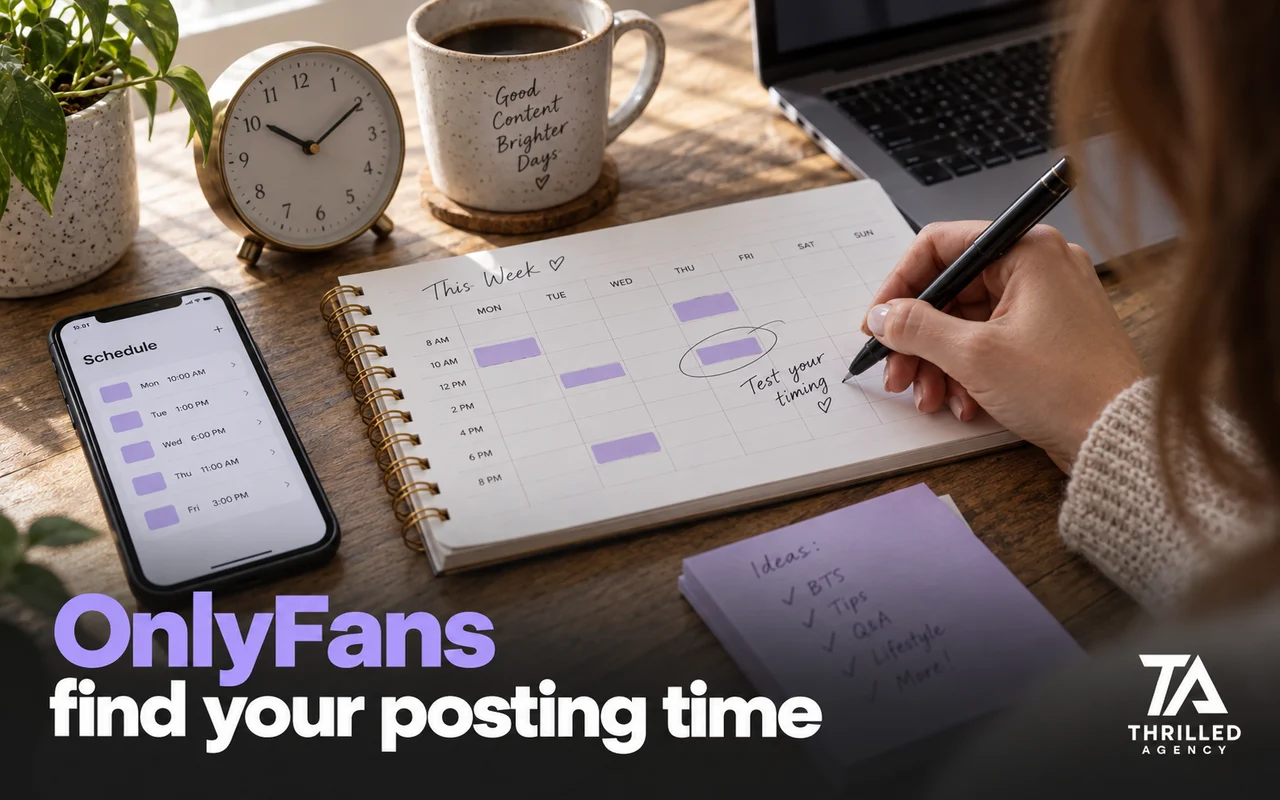
Setup is the easy part. What keeps creators protected is a short routine, done every week:
- Search your stage name and your usernames, in quotes, on Google and on the main leak sites.
- Reverse-image search a handful of your newest posts, especially PPV previews.
- Check new followers on your promotion accounts for impersonators and anyone who has already crossed a line, and block them early.
- Read back through DMs for fans asking where you live, work or study, and restrict anyone who keeps pushing.
- Confirm your settings: watermark still on, blocked users and regions still in place, two-step verification still active.
It is a short job once it is a habit, and it is exactly the work a protection team takes over when you hand it off.
What should you do the moment content leaks?
Move fast and document everything. Speed matters more than thoroughness in hour one: leaks spread through reposts, and every hour a link stays live multiplies the copies.
- Document it. Screenshot each page with the URL and date visible, and save the links. Every notice you send will need them.
- File a DMCA takedown with the site. Most sites list a copyright or abuse contact. Keep the notice factual: what the work is, where it is posted, and that it is yours.
- Ask Google to remove it from search. Google takes copyright removal requests through its DMCA process and, in web search, replaces removed results with a link to the notice. The leak stops showing up in Google results even if the site itself is slow to act.
- Escalate to the host. If a site ignores you, the company hosting it usually has its own abuse process.
- Find the source. If one fan bought everything that leaked, restrict or block them and check what else they purchased.
This is the standard process, not legal advice. For anything beyond a routine takedown, such as a case that involves your identity or threats, talk to a lawyer.
Deepfakes and impersonation
AI-generated fakes and impersonation accounts are now part of protecting a creator brand. Handle them the way you handle leaks: document them, report them through the platform's impersonation or abuse process, and request removal from search. Keep an up-to-date list of your official accounts in your link hub so fans can tell the real page from a copy, and tell fans plainly where you sell, so a fake account asking them to pay somewhere else stands out. The more recognizable your brand, the more it is worth copying; the brand side is covered in how to build an OnlyFans brand from zero.
What we handle for our roster
Our privacy and content protection service monitors piracy sites, social platforms and file-sharing networks for your content, files DMCA takedowns on your behalf and follows up until the content comes down. Most takedown requests are processed within 24–72 hours, depending on the platform. We minimize leaks, but nobody can honestly promise zero. Protection is included in full management at no extra cost.
For Isabella K., Netherlands, full DMCA monitoring ran in the background while we built her traffic. She hasn't had to think about a leak in over a year.
Your face is your most valuable asset. Treat it like one.
When you need help, and when you don't
If you are early and posting modestly, the free prevention steps above cover most of the risk, and you can set them up yourself in an afternoon. Once you have a large body of premium content and leaks start costing you sales, monitoring and takedowns become a weekly job, and that is where a team earns its place. If you are bringing anyone into your account, read what happens when you hire an OnlyFans manager first, and if you are wondering whether you can stay anonymous at all, read the honest answer on OnlyFans without showing your face. When you are ready, apply for a free audit and we will show you where your current setup is exposed.
Frequently asked questions
Can fans see my real name on OnlyFans?
Not unless you show it. Fans see the display name and username you choose; OnlyFans holds your legal details for verification and payouts. Real names usually leak from outside the platform: reused usernames, linked social accounts and identifying details in photos.
Can I block my country on OnlyFans?
Yes. Block by Country, in your privacy and security settings, lets you block specific states and entire countries from accessing your profile. Treat it as a limited filter: it can't stop screenshots and reposts, and it won't keep people you know from finding the page if you promote it publicly.
Does OnlyFans remove leaked content for you?
Not reliably. Its terms say it may send infringement notices on your behalf but has no obligation to, or to police infringements of your content. Plan on doing takedowns yourself or having a team do them.
How do I get leaked OnlyFans content removed?
File a DMCA takedown with the site or its host, and a copyright removal request with Google so the link drops out of search. Document every URL first, and follow up with sites that do not respond.
How long do DMCA takedowns take?
It depends on the site. Most takedown requests we file are processed within 24–72 hours, depending on the platform; some take longer, and a few sites ignore notices, which is when you escalate to the host.
Is OnlyFans safe for creators?
Safe enough to run as a business, if you treat privacy as part of the business. The platform verifies users and gives you blocking, watermarking and location tools. The biggest risks, leaks and exposure of your identity, happen off the platform, and that is where your own setup matters.
The team managing live OnlyFans accounts at Thrilled Agency — chatters, strategists, and marketers writing about the work they do daily. Our editorial standards →
Let our team handle the business of you.
Creator-focused management. We don't take more clients than we can give white-glove attention.